
Article
Delta VFD fault codes: ocA, ovd, GFF and what to check
Delta MS300 fault codes explained: what oc, ov, Lv and GFF mean, what the A, d, n and S suffix says about when the drive tripped, which fault records to copy before you reset, and what the manual says to check first. Every point cites a printed page of the official user manual.
Short answer: On a Delta MS300 drive, the start of the code names the problem (oc over-current, ov over-voltage, Lv low voltage) and the last letter says when it tripped: A accelerating, d decelerating, n constant speed, S stopped. GFF is a ground fault on the output. Copy the fault records and malfunction snapshot before resetting: the next fault overwrites the snapshot.
Applies to: Delta MS300 series (Standard Compact Drive). Other Delta series, such as VFD-E, VFD-EL, ME300, MH300 and C2000, have their own manuals, and their codes, levels and parameter numbers can differ, so check yours · Manual used: Delta MS300 Series User Manual, Issued Edition 06, firmware V2.03, issued 2025/07 (PDF dated 17 Apr 2026). Page numbers below are the manual's printed page numbers · Last verified: 28 Oct 2026 · Author: Muhammed Fahiz
What does this look like on site?
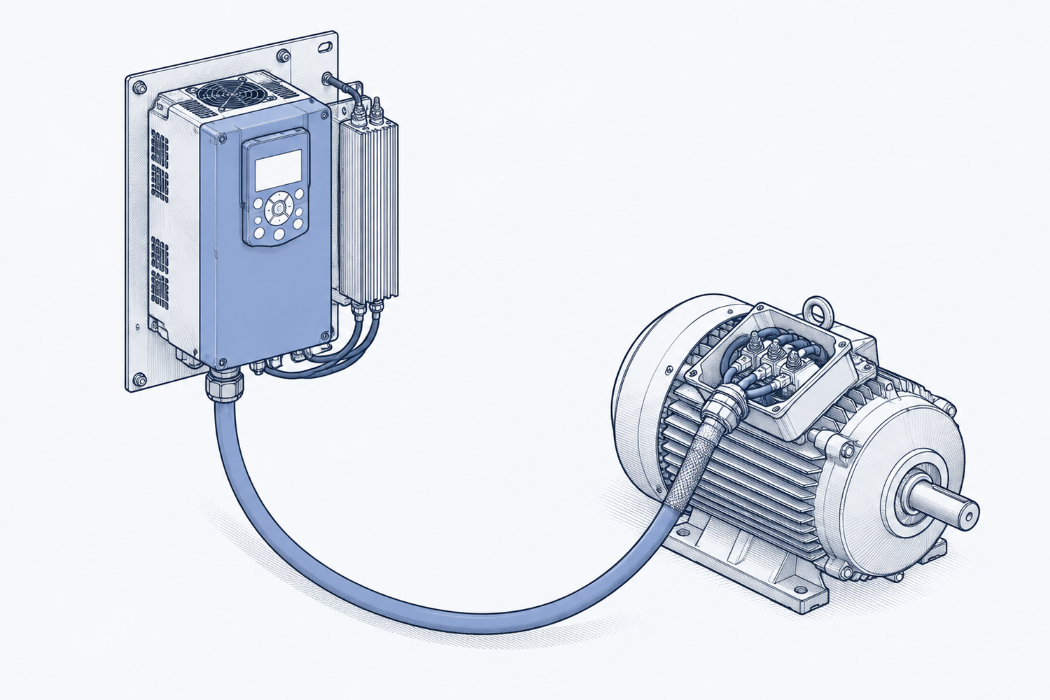
A Delta drive on a conveyor or pump panel stops and the display shows ocA, ovd or GFF. The panel door has no manual in it. The person who installed the drive has moved on, and finding the manual means working out the exact series and edition on Delta's download site.
A drive repairer put it plainly on X in October 2026. Jason (@JasonYu618) wrote: "I've fixed VFDs and servo drives for about 20 years. No manual = lost day." He built a free fault-code lookup covering Inovance, Delta, INVT, Yaskawa, Mitsubishi and Fuji, and added an honest warning: "Machine-translated, so check the manual too."
This page does the checking against the manual for the codes you're most likely to see on a Delta MS300. Each entry gives what the code means, when it trips, what the manual tells you to check, and the printed page in the MS300 user manual so you can confirm it yourself. It doesn't reproduce Delta's tables. It summarises them and points you to the page.
How do you read a Delta fault code?
Read it in two parts: the letters at the front name the fault, and the last letter tells you what the drive was doing when it tripped. That second part is the useful one. It narrows the cause before you open the panel.
| Code | Name in the manual | Trip level (MS300) | Manual page |
|---|---|---|---|
| ocA | Over-current during acceleration | 300% of rated current | p. 549 |
| ocd | Over-current during deceleration | 300% of rated current | p. 551 |
| ocn | Over-current during steady operation | 300% of rated current | p. 553 |
| ocS | Over-current at stop | 300% of rated current | p. 555 |
| GFF | Ground fault | Output ground short circuit detected | p. 554 |
| ovA / ovd / ovn / ovS | Over-voltage during acceleration / deceleration / constant speed / at stop | DC bus above 410 V (230 V models), 820 V (460 V), 1116 V (575 V) | pp. 556–559 |
| LvA / Lvd / Lvn / LvS | Low voltage during acceleration / deceleration / constant speed / at stop | DC bus below Pr.06-00 | pp. 560–563 |
| orP | Phase loss protection (input) | DC bus ripple plus output current above 50% of rated, counted over time | p. 564 |
| oH1 | IGBT overheating | IGBT temperature above a model-dependent level | p. 565 |
| oL | Over load | Drive's overload curve | p. 568 |
| Aoc / boc / coc | U, V or W phase over-current before run | 300% of rated current (Aoc entry) | p. 607 (Aoc) |
| b4GFF | GFF occurs before run | 250% of rated current | p. 631 |
Our summary of Chapter 14 of the MS300 user manual. Fault ID numbers and the full list start on p. 547.
The suffix split, in plain terms:
- A (accelerating): the drive was ramping up. Ramp time, load inertia and starting into a spinning motor are on the list alongside wiring faults.
- d (decelerating): the drive was ramping down. For over-voltage, this is the classic regenerated-energy trip.
- n (constant speed): the drive was at speed. A load change, a jammed shaft or a supply problem are more likely than ramp settings.
- S (stopped): the drive wasn't running. For over-current and over-voltage at stop, the manual points to interference, supply spikes and hardware faults, not the load.
What should you write down before you press RESET?
Write down the fault history and the snapshot of the drive's state at the moment it tripped, because the snapshot only holds the latest fault.
- Fault records: Pr.06-17 to Pr.06-22 hold the last six faults, newest in Pr.06-17. Pr.14-70 to Pr.14-73 hold records 7 to 10 (pp. 366 and 455).
- When each fault happened: Pr.06-63 to Pr.06-70 and Pr.06-90 to Pr.06-93 hold the drive's operating time at each recorded fault, in days and minutes. In the manual's worked example, the records show the latest fault came after four days and 240 minutes of running. The manual suggests using the interval between faults to judge whether there's a problem with the drive (pp. 381–382).
- The snapshot: Pr.06-31 to Pr.06-42 show the frequency command, output frequency, output voltage, DC bus voltage, output current, IGBT temperature, motor speed, torque command, input and output terminal states and drive status at the moment of the fault. The manual says the same thing about each of them: if another fault happens, it overwrites the previous record (pp. 372–373).
That last point matters. The DC bus voltage at the moment of an ov trip, or the output current at an oc trip, is exactly the number you want, and it's gone after the next trip. Copy it into the job report with the code. Our post on what to write before you close a breakdown job covers the rest of that record.
One quirk: the parameter chapter says a low-voltage trip at stop (LvS) isn't recorded in the fault history, while the trips during operation (LvA, Lvd, Lvn) are (pp. 358 and 455). The LvS entry in the fault-code chapter lists its record as "Yes" (p. 563). If you're relying on the history to count supply dips, check how your drive behaves.
ocA, ocd, ocn, ocS: what causes over-current on a Delta MS300?
The manual lists the same core causes for ocA, ocd and ocn (a shorted or poorly insulated motor cable, a motor with burnt or aged insulation, too much load, an output contactor switching while the drive is putting out voltage, V/F or torque-compensation settings, interference and a long motor cable) and then adds the causes specific to when it tripped (pp. 549–553).
| Code | Causes specific to this phase (manual) | Pages |
|---|---|---|
| ocA | Acceleration time too short; motor started while still coasting (speed tracking, Pr.07-12, Pr.07-09); wrong control mode for the motor type in Pr.00-11; stall prevention setting | pp. 549–550 |
| ocd | Deceleration time too short; motor's mechanical brake applying too early; stall prevention setting | pp. 551–552 |
| ocn | Shaft lock; sudden load change | p. 553 |
| ocS | Interference, or a hardware fault in current detection. Cycle the power: if cd1, cd2 or cd3 appears, the manual says to return the drive for repair | p. 555 |
For all three running codes, the manual's hardware check is the same: with the drive isolated, use a meter to check for short circuits from B1 to U, V and W, from DC− to U, V and W, and from the ground terminal to U, V and W. If there's a short, it says to return the drive to the factory for repair (p. 550). Our post on IGBT failure symptoms and the diode-mode test walks through that kind of terminal-to-terminal check in more detail.
Aoc, boc and coc are worth knowing: the MS300 checks its output wiring before it runs, and these codes mean a short was found on the U, V or W phase during that check. The manual's list starts with the motor's internal wiring and the U/V/W wiring at the drive, then the cable, then a megger test of the motor (p. 607). Because the check runs before the drive starts, ramp times aren't on the manual's list for these codes.
For the general method of splitting an over-current trip between motor, cable, load and drive, see our guide to isolating a VFD overcurrent trip.
GFF and b4GFF: is it the motor, the cable or the drive?
GFF means the drive detected a ground short on its output terminals and shut the output off, leaving the motor to coast (p. 554). The manual's order of suspects is the motor insulation (megger it, replace the motor if it's poor), a broken or shorted cable, stray capacitance on a long cable, interference from communication wiring, and finally the drive itself.
Three details from the manual that are easy to miss:
- Long cables: if the motor cable is longer than 100 m, the manual says to lower the carrier frequency and reduce stray capacitance (p. 554).
- Software detection: the MS300 also trips GFF when the three output currents are unbalanced by more than Pr.06-60 (default 60.0%), filtered over Pr.06-61 (default 0.10 s) (p. 381).
- Drive hardware: the manual says to cycle the power after checking the motor, cable and cable length, and only if GFF is still there to return the drive for repair (p. 554).
b4GFF is the same idea caught earlier: a ground short found by the output wiring check before the drive runs, at 250% of rated current (p. 631). The manual's list for it is short: the motor's internal wiring and the U/V/W wiring, the cable, and a megger test of the motor.
The support site of DeltaACDrives.com answers the GFF question for the MS300 in one line: "Short answer - if motor, cable, and cable length look good then replace drive." That matches the manual's order. We'd read "look good" as measured with the motor disconnected from the drive, not judged by eye.
ovA, ovd, ovn, ovS: why does a Delta drive trip on over-voltage?
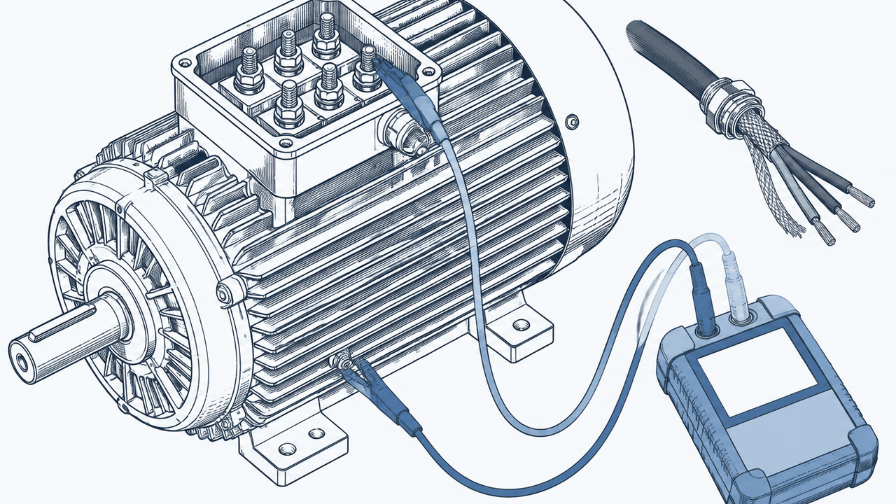
An ov trip means the DC bus went above 410 V on a 230 V model, 820 V on a 460 V model or 1116 V on a 575 V model, and the drive won't reset until the bus is back below 90% of that level (pp. 556–559). The suffix tells you where the energy came from.
- ovd (decelerating) is the most common pattern: the load is driving the motor during the ramp-down, and the regenerated energy has nowhere to go. The manual's list is longer deceleration times (Pr.01-13, 01-15, 01-17, 01-19), a brake resistor or braking unit, S-curves, over-voltage stall prevention (Pr.06-01), auto-acceleration/deceleration (Pr.01-44), or a larger drive (p. 557).
- ovA (accelerating) sounds odd, but the manual lists acceleration that's too slow (its example is a lifting load), a stall-prevention level set below the no-load current, regeneration from motor inertia and an acceleration time that's too short (p. 556).
- ovn (constant speed) points to sudden load changes or regeneration at speed (p. 558).
- ovS (stopped) can't be regeneration, so the manual points to the supply: input voltage too high, voltage spikes, or capacitors (the manual calls them phase-in capacitors) or an active power supply unit switching on the same supply, for which it recommends an AC reactor. It also lists a fault in the drive's voltage detection (p. 559).
Two things appear on every ov entry and are worth checking even when the suffix suggests otherwise: the wiring of the brake resistor or braking unit, and a ground fault on the motor cable or in the terminal box. The manual explains that a ground short current can charge the main-circuit capacitors through the supply, so a ground fault can show up as over-voltage (pp. 556–559).
A note on parameter numbers: the ovd and ovn entries say to adjust the braking level with "Pr.07-01". In the parameter chapter of this edition, the brake chopper's DC bus action level is Pr.07-00 (defaults 370 / 740 / 950 VDC), and Pr.07-01 is the DC brake current level (p. 384). Check both against your own drive before changing either.
LvA, Lvd, Lvn, LvS: is low voltage always the supply?
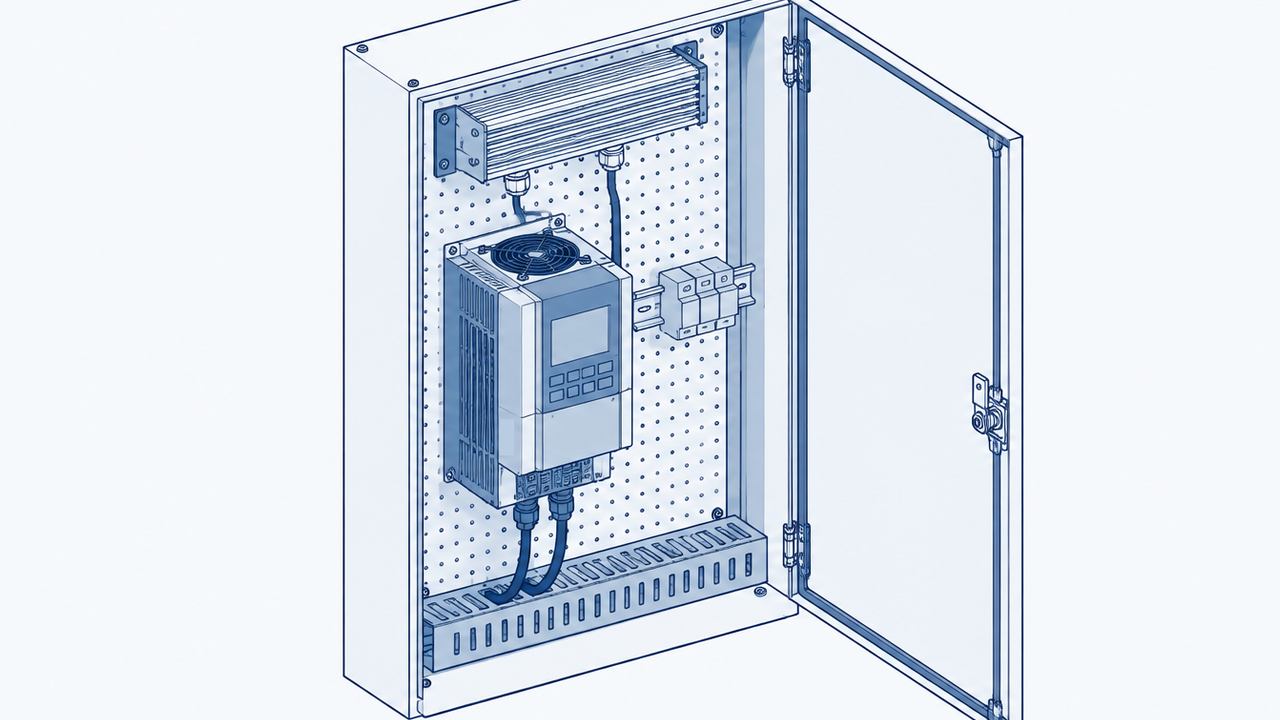
Mostly, yes. Lv codes mean the DC bus dropped below Pr.06-00, whose defaults are 180 V (115 V and 230 V models), 360 V (460 V) and 450 V (575 V) (p. 358). The manual's causes are a power cut, supply voltage changes, starting a large motor on the same supply, and too much load. The LvA entry also asks you to check that the shorting plate or a DC reactor is fitted between terminals +1 and +2 (pp. 560–563).
LvS at stop is different: the manual says the drive restarts by itself once the bus recovers (by 30 V on 230 V models, 60 V on 460 V and 75 V on 575 V), and lists "incorrect drive models" among the causes, meaning a supply that doesn't match the drive (pp. 358 and 563).
What about orP, oH1 and oL?
- orP is input phase loss: the manual lists a missing or cut input phase, single-phase supply to a three-phase model, loose input terminals and an unbalanced supply (p. 564).
- oH1 is IGBT over-temperature. The level depends on the model (a table on pp. 565–566), and the warning comes 5 °C before the trip. The manual's checks are cabinet temperature, blocked vents, nearby heat sources such as brake resistors, the heat sink and fan, ventilation space, carrier frequency and load (p. 565).
- oL is the drive's own overload protection. In normal duty the drive allows 120% of rated current for one minute or 150% for three seconds. In heavy duty it's 150% for one minute or 200% for three seconds (p. 568).
What should you check, in order?
- Copy the fault records, operating times and the malfunction snapshot (Pr.06-17 to 06-22, 14-70 to 14-73, 06-63 to 06-70, 06-31 to 06-42). Expect: the code, when it happened, and the DC bus voltage and output current at the trip. If not: if the snapshot is blank or doesn't match the code on the display, another fault has already overwritten it, so note that. (pp. 366, 372–373, 381–382, 455)
- Note the suffix and whether it happened before run. Expect: A, d, n or S, or a before-run code (Aoc, boc, coc, b4GFF). If not: for codes without a suffix (GFF, orP, oH1, oL), go to that code's section above. (pp. 547–548)
- Isolate the drive and disconnect the motor cable at the drive. Megger the motor and cable to ground with the drive out of the circuit. Expect: insulation in good condition. If not: the manual says to replace the motor if its insulation is poor, and to repair or replace a shorted cable before powering up again. (pp. 549–554, 607, 631)
- For oc codes, check the drive's output terminals with a meter: B1, DC− and ground to each of U, V and W. Expect: no short. If not: the manual says to return the drive for repair. (p. 550)
- For ov codes, check the brake resistor or braking unit wiring and the supply voltage. Expect: resistor correctly wired, supply within the drive's rating. If not: fix the wiring, and for spikes at stop look for capacitors or an active power supply unit switching on the same supply. (pp. 556–559)
- Only then look at ramp times, stall prevention and the other settings the manual lists for that code. Expect: settings appropriate to the load. If not: change one at a time and record the old value. (pp. 549–558)
- If GFF or ocS comes back with the motor, cable and cable length checked, cycle the power. Expect: no repeat. If not, or if cd1 to cd3 appear, the manual says to return the drive for repair. (pp. 554–555)
What does the manual say vs what has fixed it in the field?
| Manual cause list | Field fixes reported | |
|---|---|---|
| GFF | Motor insulation, broken cable, long-cable stray capacitance, interference, then drive hardware (p. 554) | No field reports found yet. A support article on DeltaACDrives.com says: "if motor, cable, and cable length look good then replace drive." |
| ovd | Deceleration too short, brake resistor or unit, supply spikes, ground fault (p. 557) | No field reports found yet. |
| ocA | Acceleration too short, cable and motor insulation, load, output contactor, settings, hardware (pp. 549–550) | No field reports found yet. |
| Source | Delta MS300 Series User Manual, Edition 06 | DeltaACDrives.com support article, 28 Feb 2024 |
| Confidence | Official | Support article, not a field report |
We looked for forum threads where someone reported fixing a specific Delta MS300 code and confirmed it held. We didn't find any we could cite. Most of what search turns up for Delta codes repeats the manual's cause list. If you have a confirmed fix, it's worth writing up with the code, the readings and what you replaced.
Fault-code entry (summary block)
| Field | Value |
|---|---|
| Codes | ocA, ocd, ocn, ocS, GFF, b4GFF, Aoc/boc/coc, ovA, ovd, ovn, ovS, LvA, Lvd, Lvn, LvS, orP, oH1, oL |
| Brand / series | Delta / MS300 |
| Official names | See the table under "How do you read a Delta fault code?" |
| Trips when | Suffix A = accelerating, d = decelerating, n = constant speed, S = stopped; "before run" codes during the drive's output wiring check |
| Likely causes (ranked) | oc: cable or motor insulation, load, ramp times, settings, drive hardware. ov: regeneration, brake resistor wiring, supply spikes, ground fault. GFF: motor insulation, cable, long cable, drive hardware |
| Checks in order | 1. Copy fault records and snapshot. 2. Note suffix. 3. Megger motor and cable with the drive disconnected. 4. Meter the drive's output terminals (oc). 5. Brake resistor wiring and supply (ov). 6. Settings. 7. Power cycle; repeat GFF or ocS = return for repair |
| Field fixes reported | No field reports found yet |
| Related codes | cd1–cd3 (current detection hardware), Hd1/Hd6 (oc hardware), tH1o (IGBT temperature sensing) |
| Manual reference | Delta MS300 Series User Manual, Edition 06, Chapter 14, pp. 547–637; parameters pp. 358, 366, 372–373, 381–384, 455 |
| Last verified | 28 Oct 2026 |
Why does the same Delta code keep coming back after a reset?
Usually because the reset clears the trip, not the cause. The manual's reset conditions show this: an ov trip won't reset until the DC bus falls below 90% of the trip level, and most oc trips reset five seconds after the fault clears (pp. 549–559). If the cause is still there, the drive trips again under the same conditions. Use the operating-time records (Pr.06-63 onward) to see how far apart the repeats are, which is the check the manual itself suggests (p. 381).
If this drive has tripped on the same code before, someone may already have found the cause. Our guide on finding a past service fix for a repeat machine fault covers where to look, and the alarm someone already solved three years ago covers searching for it when the code was written down differently.
How would you find this in your own archive?
If your team has cleared ovd on this Delta drive before, the cause is probably in a service report somewhere. HangerSearch searches your own finalized reports, shows the few prior cases that match and why each matched, and opens the cited page. Every result points to a real report from your own archive. Nothing is generated, and if there's no match it says so. See how we handle your reports.
Book a 20-minute demo: hangersearch.com
FAQ
What does ocA mean on a Delta VFD?
On a Delta MS300, ocA is over-current during acceleration: output current reached 300% of the drive's rated current while it was ramping up, so the drive shut off its output and the motor coasted. The manual's causes include a short acceleration time, a shorted cable, poor motor insulation, too much load and drive hardware (MS300 manual, pp. 549–550).
What is the GFF fault on a Delta drive?
GFF is a ground fault: the drive detected a short to ground on its U, V or W output and stopped. On the MS300 it can also trip when the three output currents are unbalanced beyond Pr.06-60. Megger the motor and cable with the drive disconnected first. The manual only points to the drive after those check out (pp. 381, 554).
How do I fix ovd on a Delta inverter?
ovd is over-voltage during deceleration, usually energy from the load as it slows. The manual's options are a longer deceleration time, a brake resistor or braking unit, S-curves, over-voltage stall prevention (Pr.06-01) or a larger drive. Also check the brake resistor wiring and look for a ground fault (MS300 manual, p. 557).
What do the A, d, n and S letters mean in Delta fault codes?
They tell you what the drive was doing when it tripped: A during acceleration, d during deceleration, n at constant speed and S at stop. ocA, ocd and ocn are over-current, ovA to ovS are over-voltage and LvA to LvS are low voltage, each in those four states (MS300 manual, pp. 547–563).
Where is the fault history on a Delta MS300?
Pr.06-17 to Pr.06-22 hold the last six faults, Pr.14-70 to Pr.14-73 hold four older ones, and Pr.06-63 onward record the operating time at each. Pr.06-31 to Pr.06-42 hold a snapshot of voltages, currents and temperature at the latest fault, which the next fault overwrites (pp. 366, 372–373, 381, 455).
Sources
- Delta Electronics, "Delta Standard Compact Drive MS300 Series User Manual", Issued Edition 06, firmware V2.03, issued 2025/07; PDF file DELTA_IA-MDS_MS300_UM_EN_20260417.pdf (dated 17 Apr 2026). Listed in Delta's download centre: https://www.deltaww.com/en-US/products/download-center (MS300, User Manual; Delta's own download requires a captcha). The copy we read was the identically named file published on servotech.dk: https://servotech.dk/wp-content/uploads/DELTA_IA-MDS_MS300_UM_EN_20260417.pdf. Read 28 Oct 2026. Supports: fault-code list (pp. 547–548); ocA, ocd, ocn, GFF, ocS (pp. 549–555); ovA to ovS (pp. 556–559); LvA to LvS (pp. 560–563); orP (p. 564); oH1 (pp. 565–566); oL (p. 568); Aoc (p. 607); b4GFF (p. 631); Pr.06-00 and LvS (p. 358); Pr.06-17 to 06-22 (p. 366); Pr.06-31 to 06-42 (pp. 372–373); Pr.06-60/06-61 and fault operating times (pp. 381–382); Pr.07-00 and 07-01 (p. 384); Pr.14-70 to 14-73 (p. 455). Printed page numbers. Paraphrased.
- Jason (@JasonYu618), post on X, 16 Oct 2026: https://x.com/JasonYu618/status/2111011466082201988. Read 28 Oct 2026. Supports: the "No manual = lost day" and "Machine-translated, so check the manual too" quotes and the list of brands in his lookup.
- DeltaACDrives.com support, "MS300 - GFF Fault", 28 Feb 2024: https://support.deltaacdrives.com/hc/en-us/articles/24117238877844-MS300-GFF-Fault. Read 28 Oct 2026. Supports: the "Short answer" quote.