
Article
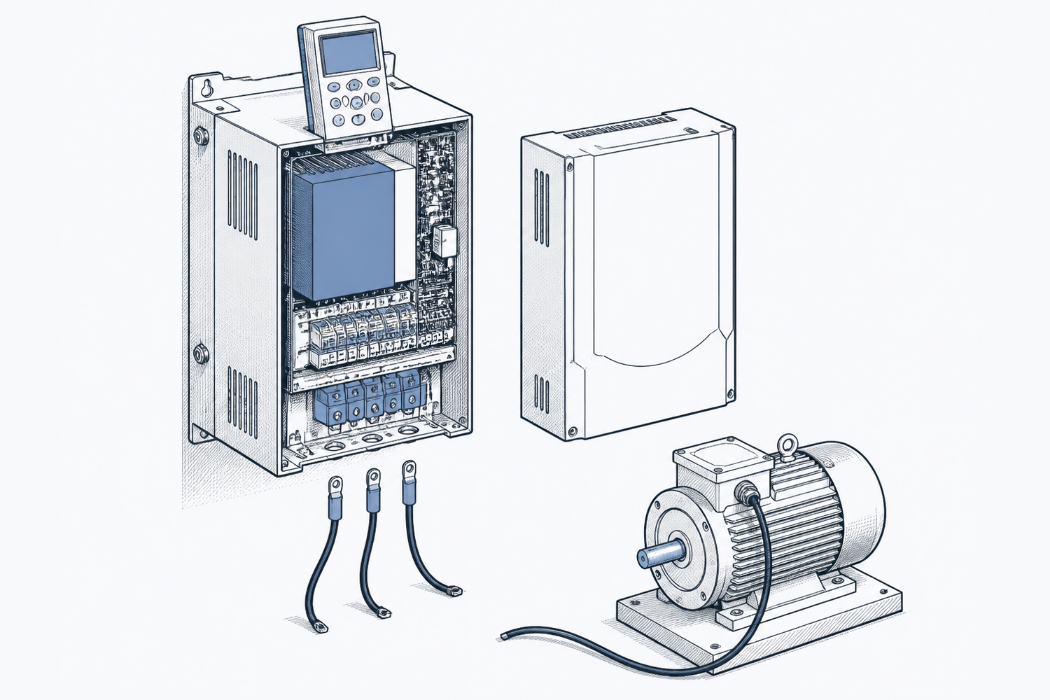
Siemens MM440 F0001 that won't reset: what to check, by when it trips
F0001 on a Siemens MICROMASTER 440 is the overcurrent trip. Siemens' Chinese support page splits the checks by when it trips: at power-up, on start or during run. Here are those checks in order, with Parameter List page references and how to read the fault memory before you clear it.
Short answer: F0001 on a Siemens MICROMASTER 440 is the overcurrent trip. Before resetting again, note when it trips: at power-up, the moment you give a start, or now and then during run. Siemens' own Chinese support page uses that split to point you first at the drive, the motor side or the load. Read the fault memory before clearing anything.
Applies to: Siemens MICROMASTER 440 (the Siemens China page also covers MM420 and MM430) · Manual used: MICROMASTER 440 Parameter List, Issue 01/06, software V2.1 (6SE6400-5BB00-0BP0) · Last verified: 22 Oct 2026
What does it look like when F0001 won't reset?
The drive shows F0001. You press the Fn key on the BOP, the fault clears, you give a start, and it trips again. Or it won't clear at all. Someone suggests cycling the mains. Someone else pastes the cause list from the manual. An hour later the line is still down and nobody has written down the one fact that narrows it: when it trips.
That fact matters more than any single item on the cause list. The same F0001 code means "look at the drive" in one situation and "look at the motor cable" in another.
What does F0001 mean on the MM440?
F0001 is "Overcurrent", a STOP II fault. The Parameter List gives four causes: a short circuit at the output, a ground fault, a motor that's too large for the drive (motor rating P0307 above inverter rating r0206), and a defective final stage. It then gives a checklist: cable lengths, shorts or ground faults in the cable or motor, motor parameters, an overloaded or stalled motor, accel time, gain, motor size, and the stator resistance in P0350 (Parameter List 01/06, section 5.1, p. 307).
The Siemens China F0001 page describes the same fault as output current going above the maximum the drive allows, and sorts the usual causes into three groups: motor, load and drive.
Why does it matter when it trips?
When it trips tells you which group to check first. The English cause list is one flat list. The Siemens China page, which is only in Chinese, starts somewhere else. It says to first establish under which condition F0001 appears, then work through the causes in order of likelihood. It names three conditions:
| Trips when | Most likely group (per Siemens China) | First check (per Siemens China) | Source |
|---|---|---|---|
| At power-up, before any run command, and it won't reset | The drive itself | Remove the control wiring and the motor leads, leave only the supply and earth, and try to reset. Won't reset: the drive may be damaged, so send it for repair. Resets: look for a problem in the external wiring. | Siemens China F0001 page |
| Fine at power-up, trips straight away on start; resets, but trips again on the next start | The motor side | Remove the control wiring and motor leads, leave only the supply and earth, set the drive to V/f control and start it with no load from the BOP. No F0001: check motor and motor-cable insulation, cable length and loose connections, or try another motor. Still F0001: the drive may be damaged. | Siemens China F0001 page |
| Runs normally, trips now and then during run | The load | Work through the load causes | Siemens China F0001 page; for load-side checks see the Parameter List p. 307 (overloaded or stalled motor, accel time) |
The page lists four motor-side causes: a winding short phase-to-phase or to earth, an earth fault in the motor cable, a motor cable longer than the maximum allowed, and a poor contact in the motor cable connections. It also notes that F0001 cannot be masked. The page says its guidance is a reference for common cases, not an absolute rule.
The English Parameter List covers the same causes. What it doesn't give you is the order.
What should you check, in order?
Work through these in order. Every step that touches wiring is done with the drive isolated, following the warnings in the MM440 Operating Instructions. The Parameter List itself tells you to read those warnings first (Parameter List 01/06, p. 4).
- Don't clear the fault history yet. The F0001 entry lists clearing the complete fault memory (P0952) as one way to remove the fault (p. 307), and setting P0952 to 0 also resets the fault times in r0948 (p. 108). Read the history first.
- Read the fault memory. r0947 holds the last fault codes, the active pair first and then up to three earlier trips (p. 106). r0948 holds a time stamp for each trip and r0949 a fault value meant for service use (p. 107). P0952 shows how many faults are stored (p. 108). r0947 is visible at access level 2; r0948, r0949 and P0952 need level 3, set with P0003 (p. 25). Expect: a list of earlier codes and times. If F0001 shows up over and over, it's a repeat fault, so write down the times.
- Write down when it trips. Power-up, on start or during run (table above). That decides which branch you take next.
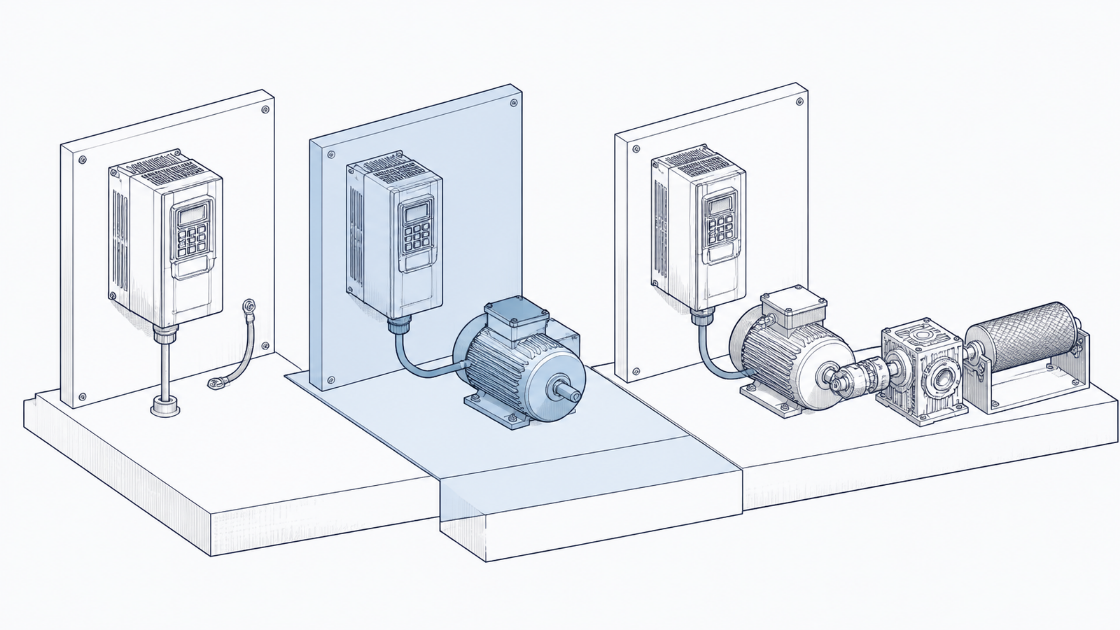
- Power-up and won't reset: strip the drive back. Disconnect the control wiring and the motor leads, leave only the supply and earth, and try a reset. Won't reset: suspect the drive. Resets: go back to the external wiring (Siemens China page).
- Trips on start: run the drive without the motor. Leads off, V/f control (for example P1300 = 0, linear V/f; settings are listed on p. 153), start from the BOP with no load. No trip: move to the motor and cable, step 6. Trips: suspect the drive (Siemens China page).
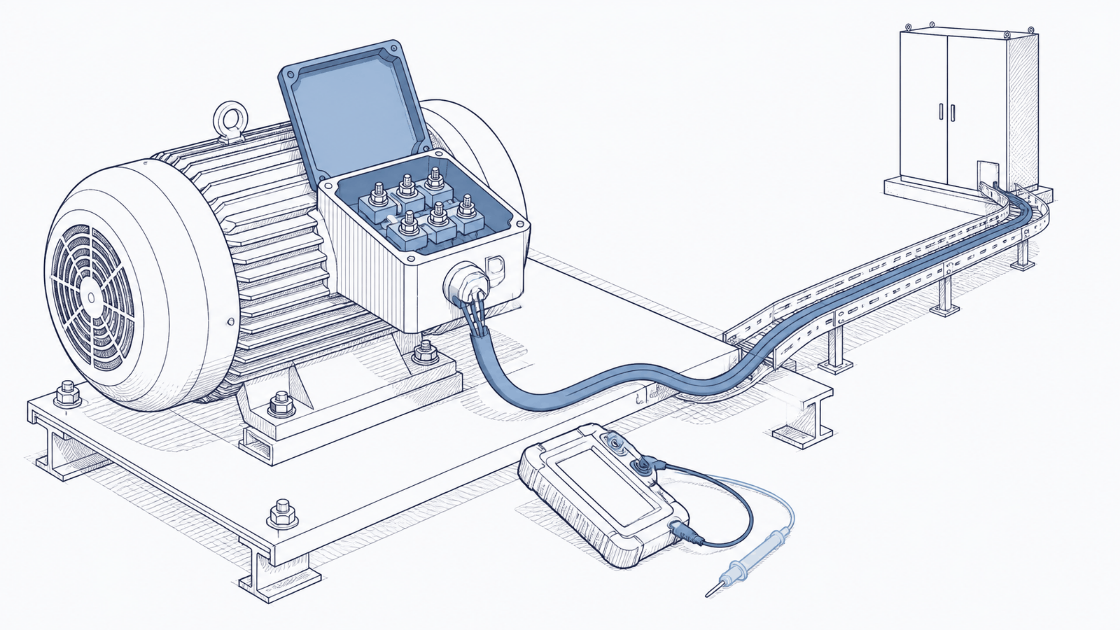
- Motor and cable. Check insulation, cable length against the limits in the Operating Instructions, and terminations for loose contacts. Look for a short or ground fault in the cable or motor (Siemens China page; p. 307). If you megger the motor, take pass/fail values from the motor maker or the applicable standard, not from memory.
- Check the motor fits the drive. Compare motor power P0307 (p. 52) with rated inverter power r0206 (p. 46). The F0001 entry lists a motor larger than the inverter as a cause (p. 307).
- Check the motor data, especially P0350. P0350 is the line-to-line stator resistance and it includes the cable resistance. You can calculate it from the rating-plate data, measure it with motor data identification (P1910 = 1), or measure it by hand with an ohmmeter (p. 59). A value left over from another motor or a shorter cable is worth checking.
- Load-side settings, for trips during run or on acceleration. Is the motor overloaded or stalled? Try a longer accel time (ramp-up time P1120, p. 131) and lower gain, as the F0001 entry suggests (p. 307).
What does the manual say vs what has fixed it in the field?
| Manual cause list (Parameter List 01/06, p. 307) | Field fixes reported | |
|---|---|---|
| Cause / fix | Short circuit at the output, ground fault, motor too large for the drive, defective final stage. Plus checks: cable length, motor data, P0350, accel time, gain | Persistent F0001 cleared by disconnecting and reconnecting all connectors between the CPU card and the base board, on a drive that was "not a new one" |
| Source | Siemens MICROMASTER 440 Parameter List, Issue 01/06, section 5.1 | Siemens forum thread 89116 (2013), fix quoted from an older linked thread by user nulizhang |
| Confidence | Official | Single report |
That forum fix fits the power-up branch. The 89116 thread later had a post reporting F0001 still present with the motor disconnected. In the Siemens China logic, that points at the drive, and the CPU-card connectors are inside the drive. That link is our inference: the thread doesn't make it. We covered the thread in full in how to find the last fix that worked for a repeat machine fault.
A second thread shows the start-trip pattern. In 2009 a user posted that their MM440 "tripped at starting due to over current fault", that it tripped again after a reset, and that after switching off the main power it ran without a fault. The reply pasted the manual's cause list and asked for the motor nameplate current, the value set in P0307 and the actual output current. No resolution was posted. It's a single report with no confirmed fix.
Fault-code entry (summary)
| Field | Value |
|---|---|
| Code | F0001 |
| Brand / series | Siemens / MICROMASTER 440 (Siemens China page: MM420/430/440) |
| Official name | Overcurrent (STOP II) |
| Trips when | At power-up / on start / during run. Note which one |
| Likely group | Power-up: drive · On start: motor side · During run: load (Siemens China) |
| Checks in order | 1. Read r0947/r0948/r0949 before clearing P0952 · 2. Note when it trips · 3. Drive alone on supply and earth · 4. No-load V/f start from the BOP · 5. Motor and cable insulation, length, terminations · 6. P0307 vs r0206 · 7. P0350 · 8. Accel time (P1120) and gain |
| Field fixes reported | Reseating the CPU-card-to-base-board connectors (Siemens forum 89116; single report) |
| Manual reference | MICROMASTER 440 Parameter List, Issue 01/06, p. 307 (F0001); pp. 106–108 (fault memory) |
| Last verified | 22 Oct 2026 |
Why does F0001 come back after a reset?
Because the reset clears the fault, not the cause. The Parameter List gives several ways to remove the fault: cycle the power, press Fn on the BOP or AOP, acknowledge through P2103/P2104, or clear the fault memory with P0952 (p. 307). None of them changes the cable, the motor or the drive's output stage. If F0001 returns at the same point every time (power-up, start or run), that repeat is the clue. Write it down.
Clearing P0952 makes the next diagnosis harder, because it also wipes the trip times in r0948 (p. 108). Write the fault history into the service report first. Our checklist for what to write before you close a breakdown job has a field for exactly this: the trip conditions.
Is it the drive, the motor or the cable?
Taking the motor leads off answers that. If the drive won't reset with only the supply and earth connected, or still trips F0001 on a no-load V/f start from the BOP, the Siemens China page points to the drive. If it runs cleanly with no motor but trips once the motor is back, the problem is on the motor side: insulation, cable length, a loose termination, or the motor itself. Swapping in another motor is the page's last check on that side.
How would you find this in your own archive?
If your team has fixed F0001 on an MM440 before, the fix is probably in a service report somewhere, filed under a different description. HangerSearch searches your own finalized service reports by fault code, model or symptom. It shows the few prior cases that match and why each matched, then opens the cited page. Nothing is generated. If there's no similar report, it says so. See how we handle your reports.
Book a 20-minute demo: hangersearch.com
FAQ
What does F0001 mean on a Siemens MICROMASTER 440?
F0001 is the overcurrent fault, a STOP II trip. The Parameter List gives four causes: a short circuit at the output, a ground fault, a motor larger than the drive's rating, and a defective final stage. What to check first depends on when it trips: at power-up, on start, or during run.
Why won't F0001 reset on my MM440?
If F0001 is there at power-up and won't reset, the Siemens China support page says to suspect the drive. Disconnect the control wiring and motor leads, leave only the supply and earth, and try again. If it still won't reset, the drive may be damaged. If it resets, check the external wiring.
F0001 trips as soon as I start the drive. Is it the motor?
Probably the motor side, according to the Siemens China page. Disconnect the motor, set V/f control and start with no load from the BOP. If the trip goes away, check motor and cable insulation, cable length and terminations. If it still trips, suspect the drive.
How do I see earlier faults on an MM440?
Read r0947 for the last fault codes, r0948 for the trip times and r0949 for the fault values. P0952 shows how many faults are stored. r0948, r0949 and P0952 need access level 3 (P0003 = 3). Setting P0952 to 0 wipes the history, so record it first.
Sources
- Siemens AG, MICROMASTER 440 Parameter List, Issue 01/06, software V2.1, 6SE6400-5BB00-0BP0: https://cache.industry.siemens.com/dl/files/204/23708204/att_60463/v1/440_PLi_23708204_en_0106.pdf. Supports: F0001 name, causes, checks and reset methods (section 5.1, p. 307); fault memory r0947 (p. 106), r0948 and r0949 (p. 107), P0952 (p. 108); access level P0003 (p. 25); r0206 (p. 46); P0307 (p. 52); P0350 (p. 59); P1120 (p. 131); P1300 (p. 153); reference to the Operating Instructions warnings (p. 4). Paraphrased; page numbers are the printed numbers.
- Siemens China, MM4 drive alarm page "F0001" (Chinese; covers MM420/430/440): http://www.ad.siemens.com.cn/productportal/Prods/MM4/Drv/010Alert/F0001.html. Supports: the three trip conditions, the isolation steps for each, the likely group for each condition, the motor-side cause list, and the note that F0001 cannot be masked. Translated and paraphrased.
- Siemens Industry Online Support forum, "F0001 CONTINUOSLY COMES ON MM440 DRIVE" (thread started 18 Mar 2013): https://support.industry.siemens.com/forum/gb/en/posts/f0001-continuosly-comes-on-mm440-drive/89116. Supports: the field fix of reseating the CPU-card-to-base-board connectors (single report), and the later post reporting the fault with the motor disconnected.
- Siemens Industry Online Support forum, "MM440 Fault code F000001 'Overcurrent'" (25 Nov 2009): https://support.industry.siemens.com/forum/WW/en/posts/mm440-fault-code-f000001-overcurrent/37543. Supports: the 2009 report of a trip on start that ran after a mains power cycle, and the reply asking for nameplate current, P0307 and actual output current.